No-Code Android App Builder
Build, brand, and deploy feature-rich Android mobile applications without writing a single line of code. Designed for modern entrepreneurs, eCommerce stores, digital agencies, and local businesses seeking fast, production-grade mobile software.
A An Android App Builder is a visual no-code software platform that allows non-technical creators to assemble, design, and compile native Android mobile applications without writing source code in Java, Kotlin, or C++.
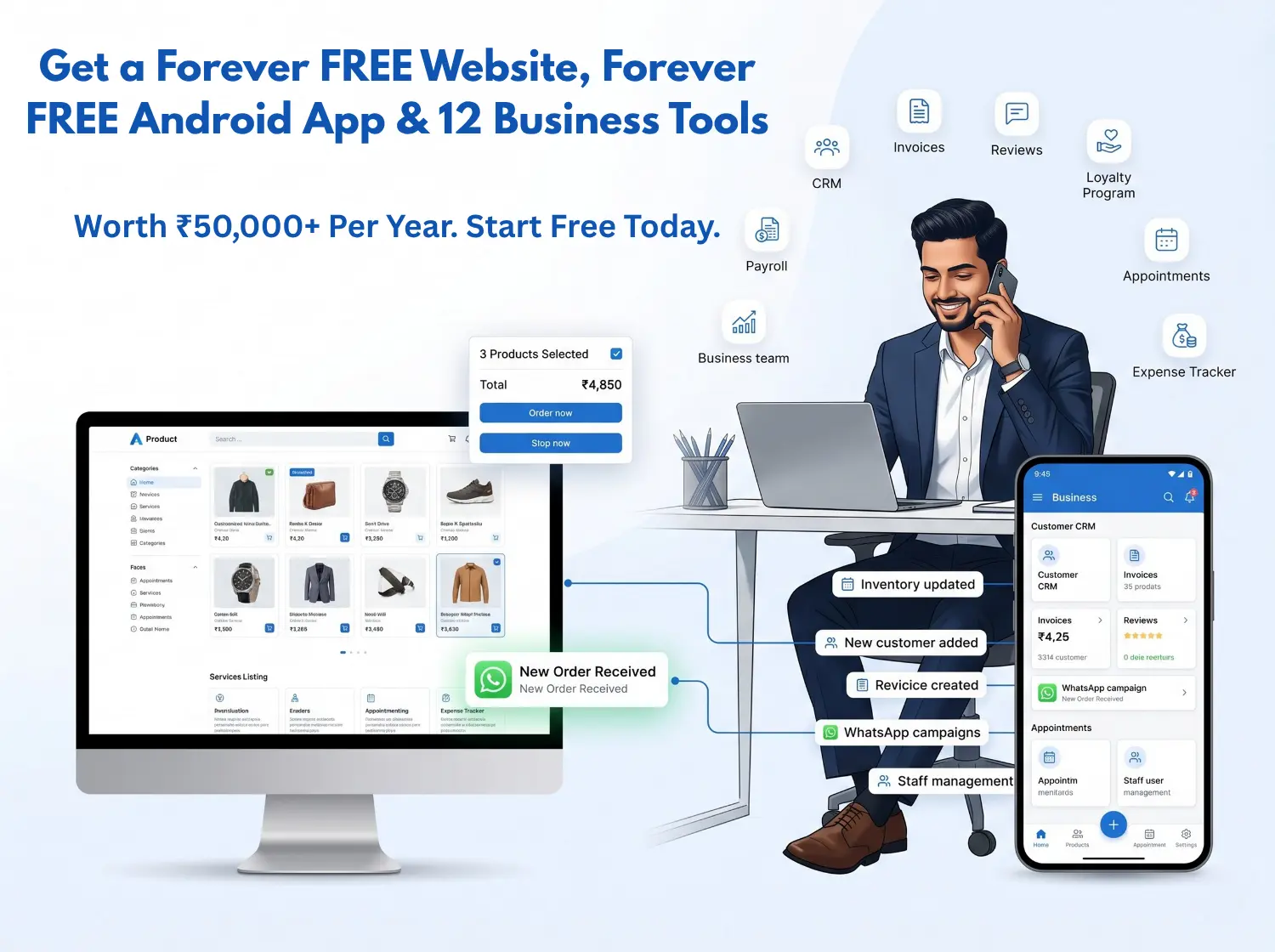
Visual Studio Overview: Native Android app builder displaying real-time mobile app rendering, branding controls, and hardware feature toggles.
What is AndroidApp.in and How Does it Support Small Businesses?
AndroidApp.in is a small business digital growth platform operated by Auvrion Technologies that enables business owners to build modern websites, convert compatible responsive websites into Google Play-compliant Android apps, and manage day-to-day customer operations from a single dashboard.
Website & Catalogue Creation
Provides mobile-responsive business websites and digital catalogues with platform-based website hosting included. Designed for businesses requiring an instant online presence without managing separate server infrastructure.
Cloud-Based Android App Compilation
Uses an automated cloud build workflow that packages compatible responsive websites into production-ready Android APK and Google Play Store AAB binaries. Businesses retain complete release keystore rights and binary ownership.
Integrated Customer Operations
Includes WhatsApp-driven automated Google review collection, GST-compliant tax invoicing, and centralized lead management—eliminating the need to subscribe to multiple disjointed SaaS tools.
Comprehensive Builder Capabilities
Everything you need to customize, brand, and power a production-grade native Android mobile experience.
🎨 100% Brand Customization
Control your app name, brand color palettes, status bar themes, and custom typography to match your corporate identity.
🖼️ Adaptive Icons & Assets
Upload your high-res logo. Our engine automatically generates square, round, and adaptive mipmap icon densities for all Android devices.
⚡ Branded Splash Screens
Modern Android 12+ compliant animated or static splash launch screens that greet your users while background services load seamlessly.
📱 Native Bottom Navigation
Add multi-tab bottom navigation bars (Home, Shop, Categories, Contact, Account) with custom icons and fluid touch feedback.
🔔 Lock-Screen Push Alerts
Integrate OneSignal or Firebase Cloud Messaging (FCM) to broadcast promotional flash sales, abandoned cart nudges, and urgent updates.
🛍️ Interactive Product Catalogue
Showcase products, pricing variations, dynamic image galleries, and tap-to-WhatsApp purchase flows right inside the mobile view.
🔐 Hardware & Customer Permissions
Support runtime hardware permissions including camera barcode scanning, file upload attachments, GPS store locators, and biometric sign-in.
📦 Automated APK/AAB Cloud Build
Automated cloud compilation workflow. Download signed APKs for testing alongside certified Google Play AAB release bundles ready for submission.
Instant Studio Configuration: Real-time branding control, color theme presets, custom URL routing, and native component toggles.
Multi-Device Live Preview: Interactive viewport testing ensuring pixel-perfect layout rendering and fast touch response across screen sizes.
Who Can Use AndroidApp.in?
Engineered to solve real mobile distribution challenges across every major commercial sector.
🏪 Small Businesses
Move away from expensive traditional development. Establish a permanent mobile footprint on your clients' phones with zero coding, one-tap calling, and instant inquiry collection.
🛒 Local Retailers
Display your local inventory catalog, send weekly festival discounts via push notifications, and let neighborhood customers order groceries and products via WhatsApp.
🍽️ Cafes & Restaurants
Escape 25-30% food aggregator commissions. Offer customers a direct mobile ordering app with digital menus, table reservation booking, and direct takeaway payments.
📦 eCommerce Sellers
Multiply your store lifetime value (LTV). Converted apps boost mobile cart conversion by 300% over mobile browsers, featuring instant checkout and automatic inventory synchronization.
💼 Digital Agencies & Resellers
Deliver 100% white-labeled native Android apps to your clients under your agency's own brand. Set your own client pricing and retain 100% of profit margins via our agency reseller portal.
🔧 Professional Service Providers
Perfect for consultants, clinics, fitness trainers, and repair technicians. Give clients direct booking tools, document upload features, and automated WhatsApp follow-ups.
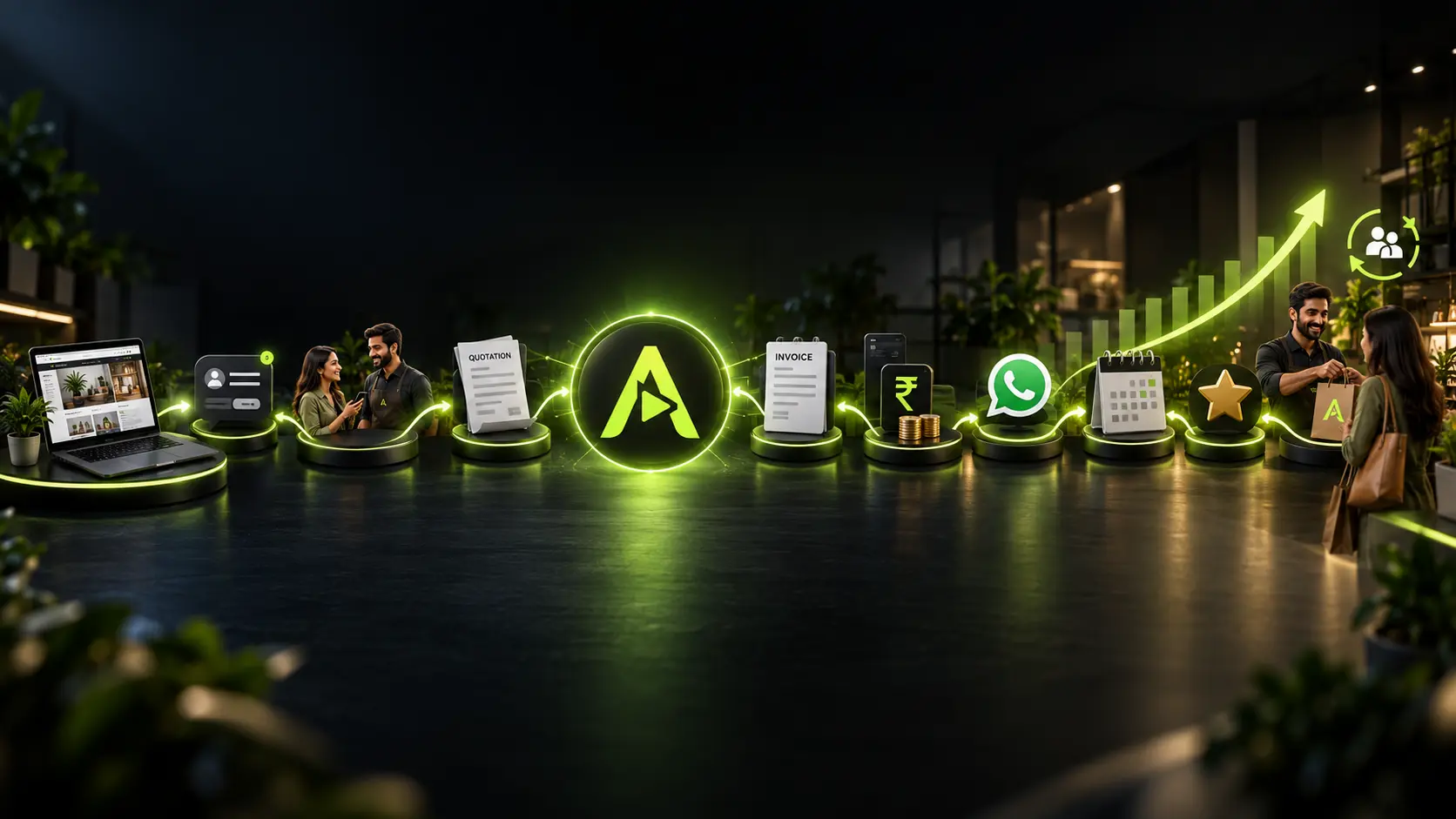
Connected Customer Journey: Transform casual website visitors into loyal mobile app users through automated lock-screen notifications, instant WhatsApp interactions, and streamlined repeat checkout.
Native Development vs. No-Code Builders vs. AndroidApp.in
Compare real costs, technical friction, and operational ownership before investing in mobile app software.
| Comparison Criteria | AndroidApp.in | Generic No-Code Builders | Custom Native Development |
|---|---|---|---|
| Cost Profile | One-Time Fee ($49) • View Plans | $30 – $100 / month (Per app recurring) | $5,000 – $25,000 upfront |
| Build Timeline | Automated Cloud Build | 1 – 2 Weeks of visual block configuration | Timelines vary depending on project complexity |
| Technical Skills Required | Zero Coding / Non-Technical | Low to Medium (Learning curves) | High (Kotlin, Java, Gradle, APIs) |
| Binary Ownership | 100% Downloadable APK & AAB Files | Tied to vendor cloud subscriptions | Source code delivered |
| Ongoing Maintenance | Zero Maintenance (Auto Web Sync) | High plugin and cloud sync maintenance | High developer retainer ($500+/month) |
The App Creation & Publishing Journey
Five seamless milestones from initial concept to official Google Play Store presence.
Idea & Web Asset Identification
Specify your responsive website or launch a free store layout using our visual small business builder.
Build & Brand Configuration
Upload your high-res icon, configure your splash screen, set native navigation tabs, and insert OneSignal/FCM push notification keys.
Cloud Compilation & Binary Generation
Our cloud compiler processes your assets into certified signed APK installation files and production Android App Bundles (AAB).
Real-Device Testing & Verification
Install the test APK directly onto physical Android phones to verify smooth gestures, checkout gateways, and push alert delivery.
Google Play Store Submission & Launch
Upload your signed AAB to Google Play Console with full confidence, meeting all modern 2026 Target SDK and security benchmarks.
Custom Android Development vs. AndroidApp.in Cloud Compilation
When planning an Android mobile app release, evaluating the architectural trade-offs between custom dual-codebase engineering and automated cloud web-to-native compilation helps clarify the appropriate path for your operational needs.
| Evaluation Parameter | Custom Native Development | AndroidApp.in Platform |
|---|---|---|
| Delivery Architecture | Dual independent codebases (Web + Native Kotlin/Java) requiring custom REST API synchronization. | Direct cloud compilation of compatible responsive web logic wrapped inside a native Android shell. |
| Deployment Timeline | Timelines vary depending on project complexity (typically requiring multiple development sprints). | Automated compilation workflow generates test APK and Google Play AAB bundles once URL and branding are provided. |
| Maintenance & Updates | Web updates require corresponding mobile codebase modifications, testing, and Google Play resubmissions. | Website changes, catalogue edits, and pricing updates reflect immediately in the Android app in real-time. |
| Keystore & Binary Rights | Keystore delivery depends on developer contract terms and final milestone sign-off. | Standard signed APK and Google Play AAB generated with complete cryptographic release keystore ownership. |
| Cost Structure | Variable hourly developer billing, milestone retainers, and ongoing maintenance contracts. | Predictable fixed platform pricing with platform-based website hosting included. |
Why AndroidApp.in Was Built: Solving Small Business Digital Fragmentation
The founding rationale behind the platform and how our integrated architecture eliminates vendor lock-in for growing enterprises.
Digital Fragmentation & Compounding Costs
Most small businesses face operational fragmentation. To establish a modern presence, an entrepreneur is typically forced to purchase web hosting from one provider, hire agency developers for mobile apps, subscribe to a separate invoice tool, and buy a CRM. This results in disconnected customer records, technical friction, and compounding monthly subscription overheads.
A Unified Operating Environment
AndroidApp.in was created to unify these essential workflows into one cohesive environment. When a merchant updates product inventory, business hours, or contact details, the changes synchronize across their web presence and their Android mobile app simultaneously. Quotations, WhatsApp customer interactions, and Google review requests operate from the same hub.
Auvrion Technologies & Keystore Rights
Operated by Auvrion Technologies (founded by software engineer Sony Jasiwal), the platform adheres to a strict binary-ownership standard. Rather than renting proprietary app runtimes that stop functioning if a subscription lapses, our cloud build pipeline outputs standard, standalone Android APK and AAB binaries signed with the merchant's cryptographic release keystore.
Essential Practical Questions Answered
Factual answers to help you evaluate and run your business online.
Launch Your Android App Without Writing Code
Join forward-thinking businesses and agencies building native mobile presence with AndroidApp.in.